Balsamiq for Desktop resources
ICYMI: Balsamiq for Desktop can be bought until December 31, 2026, and email help ends on December 31, 2027. Here's what it means for you, and how to switch to Cloud.
Licensing
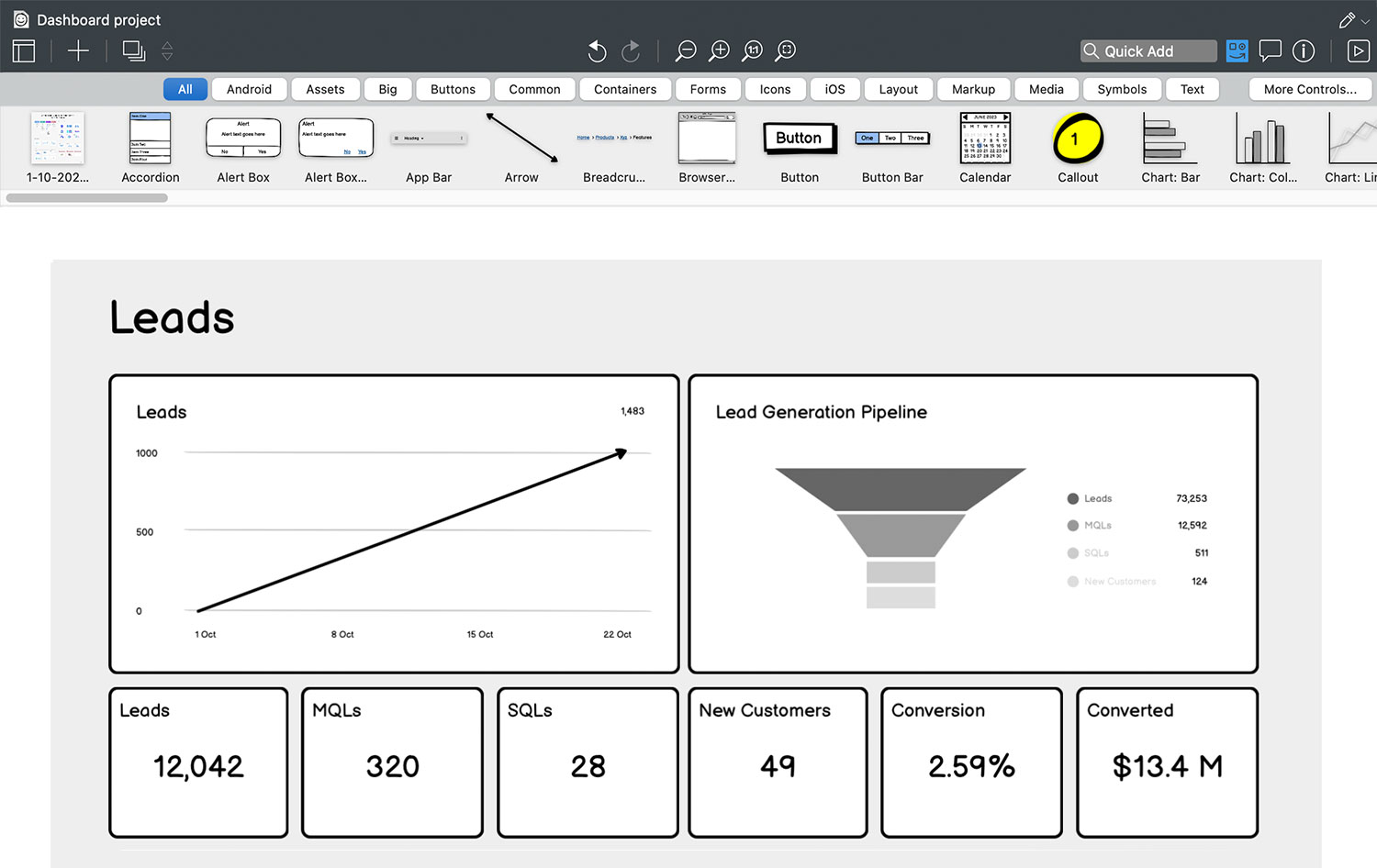
Balsamiq for Desktop saves locally to your computer, no Internet connection is required. The app comes with a fully functional 14-day trial. Afterwards, you'll need to buy a license to edit your work. Viewing files remains free.
Updating
Minor-version updates (4.x) are free. Simply download the latest version and install it on top of the old one. You won't have to re-register and your old projects will continue to work. Updating from Mockups 3 or earlier?
Minimum system requirements
Windows
- Windows 10 (fully updated)
- 4GB of memory
- 250MB disk space (plus space for backups)
Mac OS X
- macOS 14 Sonoma
- 4GB of memory
- 100MB disk space (plus space for backups)
All downloads
Windows downloads
- ...
- ...
- ...
- ...
Mac OS X downloads
- ...
- ...
Linux
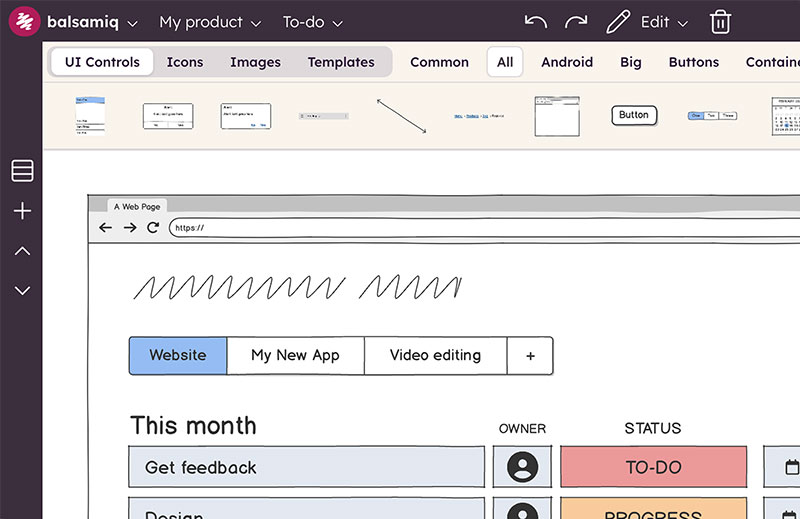
We do not support Linux. More details on this pageThe future of wireframing is Balsamiq Cloud
We know you're excited about Desktop, but we're building even more features for you in Balsamiq Cloud.
No credit card required